Loyalty Program

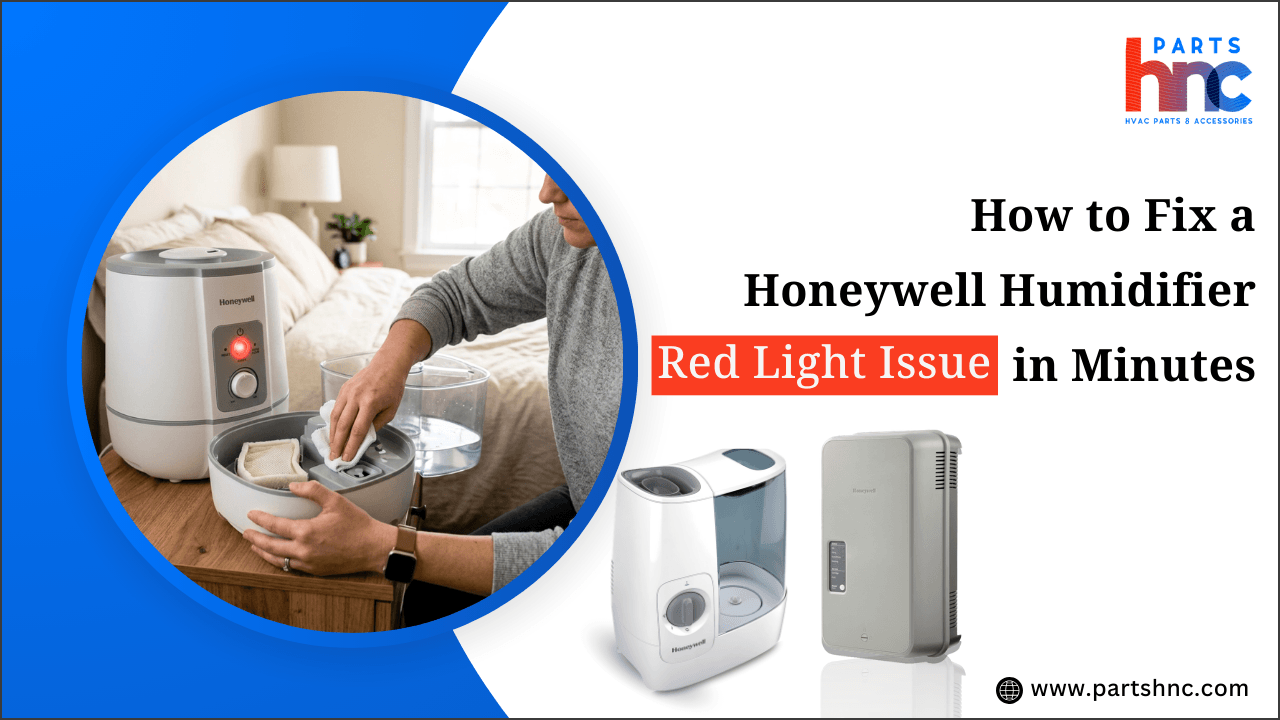
How to Fix a Honeywell Humidifier Red Light Issue in Minutes
If your Honeywell humidifier is showing a red light, it’s usually signaling that something needs your attention. Whether it’s a filter that needs changing, low water levels, or a system error, a red light doesn’t always mean a major problem. With a few quick checks, you can often get your humidifier running smoothly again without waiting for professional help.
In this guide, we’ll walk you through simple, step-by-step solutions to fix the red light issue in minutes. From inspecting components to resetting the system, these tips can save time and restore your humidifier’s optimal performance.
What Does the Red Light on a Honeywell Humidifier Mean?
A red light on your Honeywell humidifier signals that the system has detected an issue that needs attention. It acts as an early warning, helping you prevent potential malfunctions. Understanding what the light means ensures your humidifier continues to operate safely and efficiently.
-
Humidity Saturation Conflict: If the room’s humidity is already high and the humidifier is trying to overcompensate, some Honeywell models signal a red light to prevent too much moisture.
-
Tank Leaks: Small cracks or leaks in the water tank can trigger sensor alerts even when the tank looks full.
-
Mineral Sensor Glitches: Some sensors react not just to dirt but to unusual mineral content in tap water. High iron or manganese levels can falsely activate the red light.
-
Temperature Mismatch: If the room is very cold or hot, the unit may detect unsafe conditions, illuminating the red light as a precaution.
-
Fan Blockage or Motor Resistance: Even minor blockages in airflow or stiffness in the fan can cause the system to flag an error.
-
Electronic Board Calibration Drift: Over time, the internal circuitry may lose calibration, causing sensors to give false alerts.
Common Causes Behind the Red Light Issue in Honeywell Humidifier
Understanding why a Honeywell humidifier displays a red light can prevent recurring problems and improve device longevity. Regular maintenance often reduces these alerts.
Key Reasons for a Red Light:
-
Uneven Surface Placement: Placing the humidifier on an uneven or tilted surface can affect internal sensors, causing the red light to appear.
-
Water Splash or Drip Interference: Water dripping near the sensors from condensation or overfilling can trigger false alerts.
-
Airflow Imbalance in the Room: Poor ventilation or blocked vents can make the humidifier think it’s struggling to operate, activating the warning light.
-
Electrical Interference: Nearby electronics or an unstable power supply can interfere with the control board, causing the Honeywell warm mist humidifier red light to illuminate.
-
Mineral Residue Build-Up in Hidden Areas: Not just the filter, but hidden corners or tubing with hard water deposits can affect sensor readings.
-
Humidity Sensor Aging: Over time, the sensor’s sensitivity may change, creating false positives for high or low humidity.
-
Excess Dust in Internal Components: Fine dust inside the fan or circuit area can trigger the alert without affecting performance visibly.
-
Water Quality Changes: Tap water with sudden changes in mineral content or pH can confuse sensors, even if the water level is fine.
Recognizing the factors that trigger a humidifier not working red light ensures your unit operates efficiently and avoids repeated false alerts.
Step-by-Step Diagnosis to Identify the Honeywell Humidifier Problem
A structured approach helps pinpoint hidden or unusual causes behind the red light. This method saves time, prevents unnecessary replacements, and protects your humidifier.
Step 1: Check for Mineral Deposits on Ultrasonic Plates
Hard water can coat the misting plate or nozzle, reducing efficiency. Even a thin layer can trigger the red light in models with sensitive sensors.
Step 2: Inspect Float Alignment and Movement
The tank float may stick due to grime, warping, or slight misalignment. Gently clean and reseat it to ensure accurate water-level readings.
Step 3: Evaluate Airflow Around the Unit
Blocked vents or nearby objects can restrict airflow, causing heat or pressure warnings. The humidifier may illuminate red to prevent motor stress or overheating.
Step 4: Scan for Sensor Calibration Drift
Moisture, dust, or mineral residue can affect sensor accuracy over time. Some models detect this drift and signal with a red light, even if water and filters appear fine.
Step 5: Check for Water Quality or pH Issues
Impurities, additives, or very soft water can confuse the sensors. This subtle issue may trigger alerts even when the tank looks full and clean.
Step 6: Inspect Internal Circuit Board and Firmware Alerts
Rare firmware glitches or board malfunctions may cause false warnings. Advanced models flash red to indicate hidden electronic errors, requiring reset or support.
When to Call an HVAC Technician:
-
Sensor Drift or Failure: Red light appears intermittently even after cleaning, refilling, and resetting.
-
Hidden Leaks in Tubing or Connectors: Small leaks inside the humidifier trigger repeated alerts that are hard to spot.
-
Control Board Malfunctions: Persistent red lights caused by firmware glitches or circuit failures.
-
Unusual Mineral Interactions: High levels of manganese, silica, or other minerals in tap water cause recurring red light issues.
-
Warm Mist Element Problems: Partial failure of the heating element in warm mist models produces subtle errors and red alerts.
Find out how to install a furnace humidifier by connecting the water supply and ensuring proper airflow.
Quick Fixes to Turn Off the Red Light in Honeywell Humidifier
Once the source of the red light is determined, resolving the problem can be straightforward. Many issues are simple maintenance tasks that homeowners can handle safely.
-
Refill and Reposition the Water Tank: Make sure the tank is filled to the recommended level. Remove and reseat it carefully to ensure the sensors detect water correctly.
-
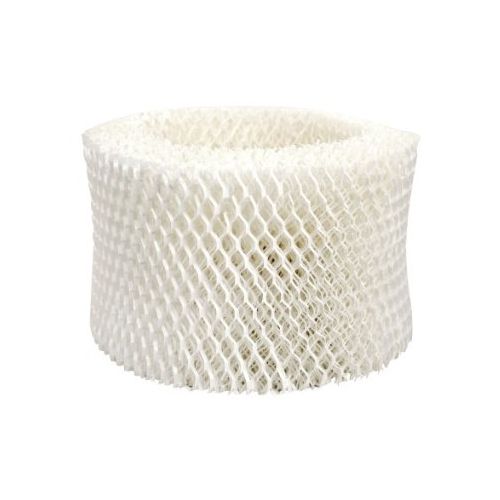
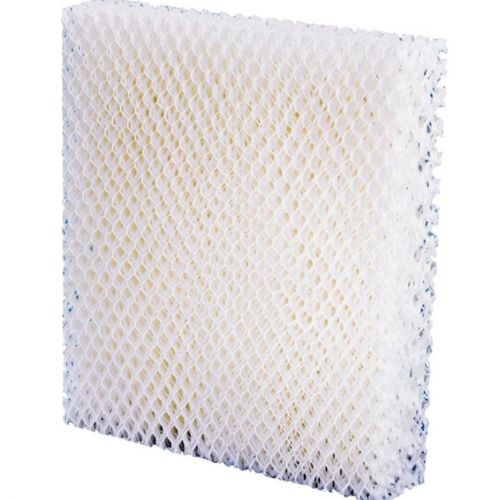
Clean or Replace the Filter/Wick: Dirt, mold, or mineral deposits can block airflow or water absorption. Clean gently or swap out the filter if it’s worn or discolored.
-
Remove Mineral Buildup on Mist Components: Scale on the ultrasonic plate or nozzle can trigger alerts. Use a soft cloth or vinegar solution to restore proper misting.
-
Check Float and Sensor Function: A stuck or misaligned float can send false readings. Clean and adjust to ensure smooth movement and accurate detection.
-
Power Cycle to Reset Electronics: Unplugging for a few minutes can reset sensors and clear minor glitches. This step often resolves red light issues caused by firmware or internal alerts.
-
Use Balanced Water: Extremely soft or chemically treated water can confuse the sensors. Tap water within the normal mineral range or lightly filtered water is ideal.
Safety Note: Always place your humidifier in a well-ventilated area. Crowded placement can restrict airflow, leading to overheating and potential damage. Maintain at least a few inches of clearance on all sides for safe operation.
Summary: Keep Your Honeywell Humidifier Running Smoothly
A red light on a Honeywell humidifier is more than just an inconvenience; it’s a diagnostic tool that can reveal subtle performance issues before they escalate. Understanding the interplay between water quality, sensor function, and internal components allows homeowners to address problems proactively. Regular observation, gentle maintenance, and timely component checks ensure the unit functions efficiently, extends its lifespan, and supports consistent indoor air quality without unnecessary downtime.
Key Takeaways:
-
Mineral buildup in the tank or base can trigger the red light even with sufficient water.
-
Humidity sensor drift over time may cause false red alerts.
-
Uneven surfaces or airflow obstruction can falsely activate the red light.
-
Soaking a saturated filter in a mild vinegar solution can restore function.
-
Frequent on/off cycling due to fan or thermostat issues can mimic red light alerts.
-
Tracking red light patterns helps identify emerging mechanical or electrical issues early.
FAQs
How do you reset a Honeywell humidifier?
Unplug the humidifier, wait 5–10 minutes, then plug it back in to reset sensors and electronics. Some models also have a reset button; press it after refilling or cleaning.
How often should you clean a Honeywell humidifier filter?
Filters should be checked weekly and cleaned or soaked monthly, depending on water quality and usage. Replace the filter every 1–3 months or sooner if heavily soiled.
Can hard water cause a red light issue in humidifiers?
Yes, mineral deposits from hard water can build up on sensors or the wick, triggering the red light. Using distilled or demineralized water reduces this risk and extends filter life.
| Disclaimer: This article is for educational purposes only. Improper handling of your Honeywell humidifier may result in damage or injury. Always adhere to the user manual and contact Honeywell support for serious or persistent problems. |