 Loyalty Program


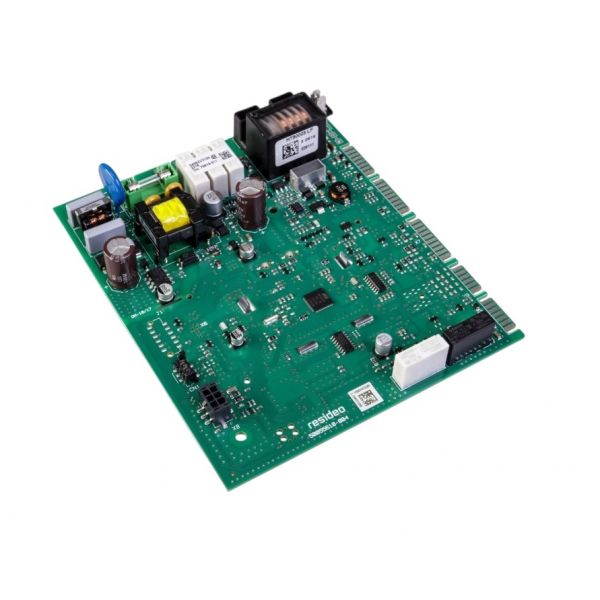
HTP 7700P-3100 Control Board PH76
Special Price $532.73 Regular Price $591.33
Out of stock
SKU
7700P-3100

The HTP 7700P-3100 Control Board PH76 is used to control the operations and processes that are under command in the system to coordinate the performance of equipment used in HVAC systems. It is specifically designed to handle the inputs of temperature sensors, secure switches, and limit components and control burners, pumps, and fans in PH76 units. Its circuitry allows proper timing, constant voltage regulation and effective communication among the components. The board assists in enhancing efficiency, and aiding accurate heating operation in the regular efficiency of the system.
Manufacturer:

Specifications
- Type: Electronic Control Board (PCB)
- Compatible Equipment: HTP Phoenix Light Duty PH76 gas water heaters