
Facebook Pixel

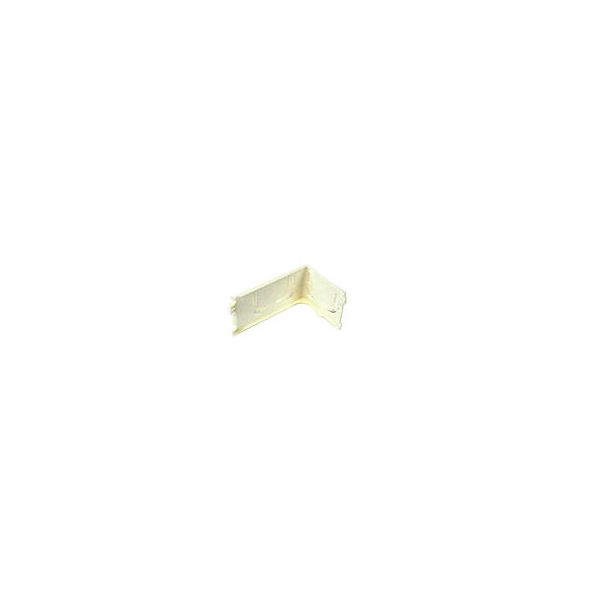
Mitsubishi Electric E22J44975 Right Corner Box

Special Price $6.32 Regular Price $8.53
Out of stock
SKU
E22J44975
The Mitsubishi Electric E22J44975 Right Corner Box provides a designated enclosure section at the right corner of compatible equipment, housing or covering associated wiring and components. Its formed structure follows the equipment's corner geometry and maintains the intended separation between internal assemblies and the surrounding enclosure. The box is secured at the specified right-side corner using the corresponding mounting hardware and alignment points. Correct installation maintains enclosure organization, keeps connected components positioned within their designated area, and preserves the intended equipment configuration during normal operation and service procedures in HVAC systems.
Manufacturer:

https://www.partshnc.com/media/catalog/product/e/2/e22j44975_mitsubishi-electric_partshnc.jpg
Manufacturer Name: Mitsubishi Electric
Product Number: E22J44975
OEM Part Number: E22J44975
Product Description: Right Corner Box
Weight:0.1lbs/45.36g

Choose the best HVAC equipment parts and supplies from PartsHnC!

  • Same Day Shipping

  • Best Quality And Best Price

  • Wide Range of Inventory

  • Best Customer Service

Have More Questions or Need Help to Place The Order?
Reach us at (866)773-0907 or [email protected]

Write Your Own Review
You're reviewing:Mitsubishi Electric E22J44975 Right Corner Box
Your Rating
Customer Questions
What maintenance is required for the Mitsubishi Electric E22J44975 Corner Box?

Regularly inspect the corner box for dust buildup, loose fittings, or physical damage. Clean it with a dry cloth to prevent debris accumulation. Ensure secure mounting and proper alignment to maintain stability and safe electrical enclosure performance.

What are the common issues with the Mitsubishi Electric E22J44975 Corner Box?

  • Loose mounting or misalignment.
  • Cracks or physical damage to the box.
  • Improper fitting with connected components.
  • Wear affecting enclosure stability.
  • Gaps leading to reduced protection.

Installation Steps

Step 1: Disconnect power and apply lockout/tagout for safety.

Step 2: Remove old corner access panel and inspect mounting location.

Step 3: Position new corner box and align all mounting holes.

Step 4: Secure unit with screws ensuring tight stable fit.

Step 5: Route wiring through grommets and confirm clearance space.

Step 6: Check seals, reinstall panel, and ensure proper enclosure.

Step 7: Restore power and test for correct operation.

Step 8: Monitor unit during initial run for abnormal noise or vibration.