 Loyalty Program

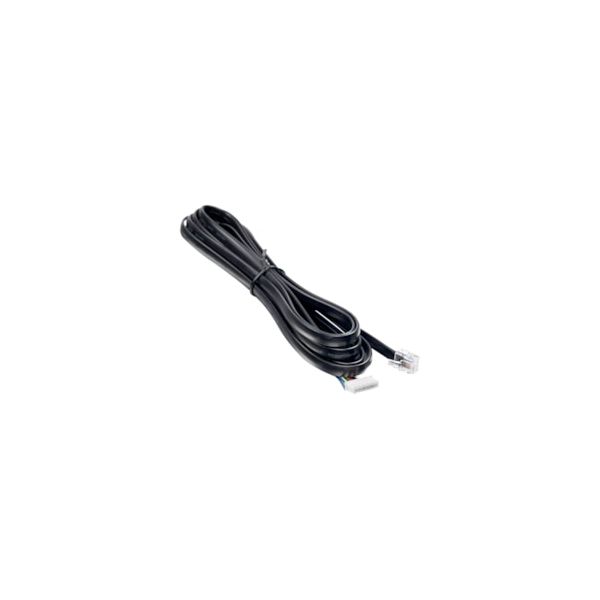
Danfoss 084B4078 Display Cable 3M AK-UI55
Special Price $26.45 Regular Price $34.38
In stock
SKU
084B4078

The Danfoss 084B4078 Display Cable is an electrical component designed to establish a connection between a compatible controller and display interface. It transfers control and display signals through its internal conductors, allowing operating data and user commands to pass properly between connected systems. Installed between the AK-UI55 display module and the corresponding controller in HVAC systems, the 3-meter cable provides the required connection over extended mounting distances. It maintains stable signal transmission, supports uninterrupted communication between connected components, and enables the screen interface to receive and present controller information correctly.
Manufacturer:

Specifications
- Type: Display Cable
- Length: 3 Meters