Facebook Pixel

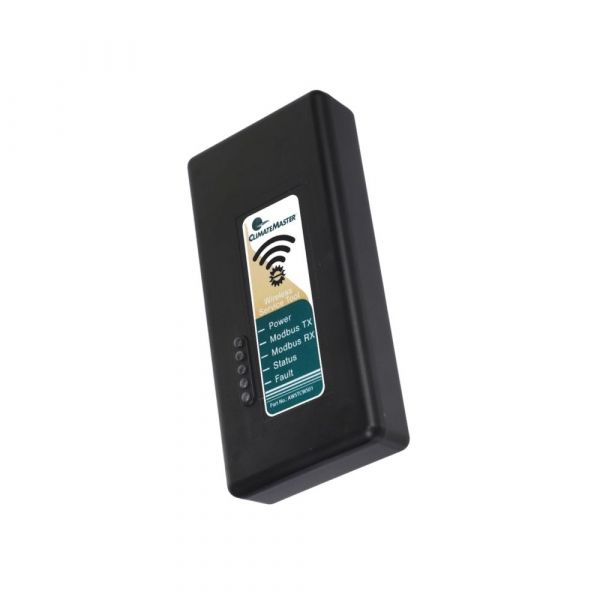
ClimateMaster AWSTCWS01 Wireless Service Tool

Special Price $303.89 Regular Price $337.32
In stock
SKU
AWSTCWS01
Manufacturer:
Write Your Own Review
You're reviewing:ClimateMaster AWSTCWS01 Wireless Service Tool
Your Rating
Customer Questions
What maintenance is required for the ClimateMaster AWSTCWS01 Wireless Service Tool?

Regularly inspect the device for dust and debris, and clean the exterior with a soft, dry cloth. Check batteries and replace them as needed. Proper maintenance ensures accurate wireless communication and accurate system diagnostics.

What are common issues with the ClimateMaster AWSTCWS01 Wireless Service Tool?

  • Loss of wireless connectivity or signal interference.
  • Inaccurate or delayed diagnostic readings.
  • Battery drain or power issues.
  • Physical damage to the casing or buttons.

Installation Steps

Step 1: Turn off the HVAC unit before connecting the tool.

Step 2: Locate the service port or communication interface on the unit.

Step 3: Plug in or wirelessly pair the service tool per manufacturer instructions.

Step 4: Power on the unit and launch the compatible app or interface.

Step 5: Follow on-screen prompts to establish connection and configure settings.

Step 6: Ensure secure connection and disconnect safely after use.