 Loyalty Program

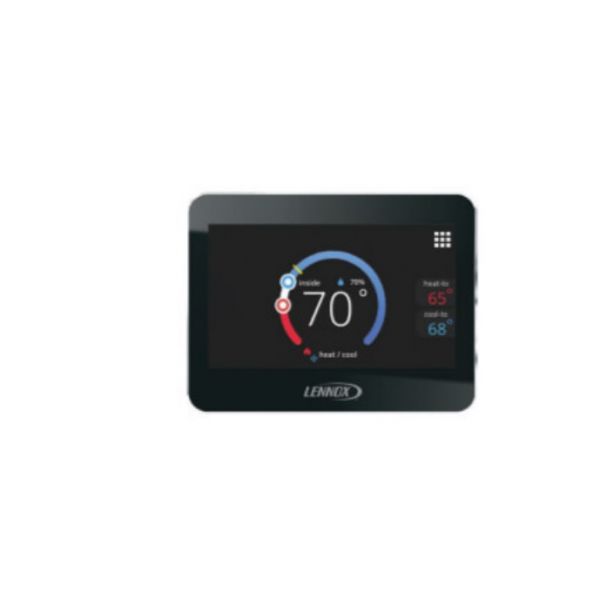
Lennox 17A30 iHarmony Zone Thermostat
Special Price $554.56 Regular Price $615.56
In stock
SKU
17A30

The Lennox 17A30 iHarmony Zone Thermostat is the component of the iHarmony zoning system and is intended for the use with the Lennox iComfort enabled HVAC equipment. It serves as a remote thermometer, it measures the temperature in its assigned area and sends the information to the central system. This makes it possible to regulate temperatures in different regions of your home separately and improve comfort, as well energy efficiency. This has a touch panel and a LED display of current temperature, humidity, and mode of the air conditioner. It uses standard house current which is 120V.
Manufacturer:

Specifications
- Weight:0.69lbs
- Measure:Unit
- Depth: 7/8 Inch
- Height:3-5/16 Inch
- Width:4-5/16 Inch
- Type: Smart Zoning System Zone Sensor
- Voltage: 120V